ezyVet
- Read
- Reads clients, patients and appointments.
- Write-back
- No note write-back: the vendor documents no endpoint for it.
Tested with fictional fixtures only.
Veteros is not a practice-management system and doesn’t try to be one. Your PMS keeps appointments, billing and the medical record; Veteros writes the documentation that goes into it.
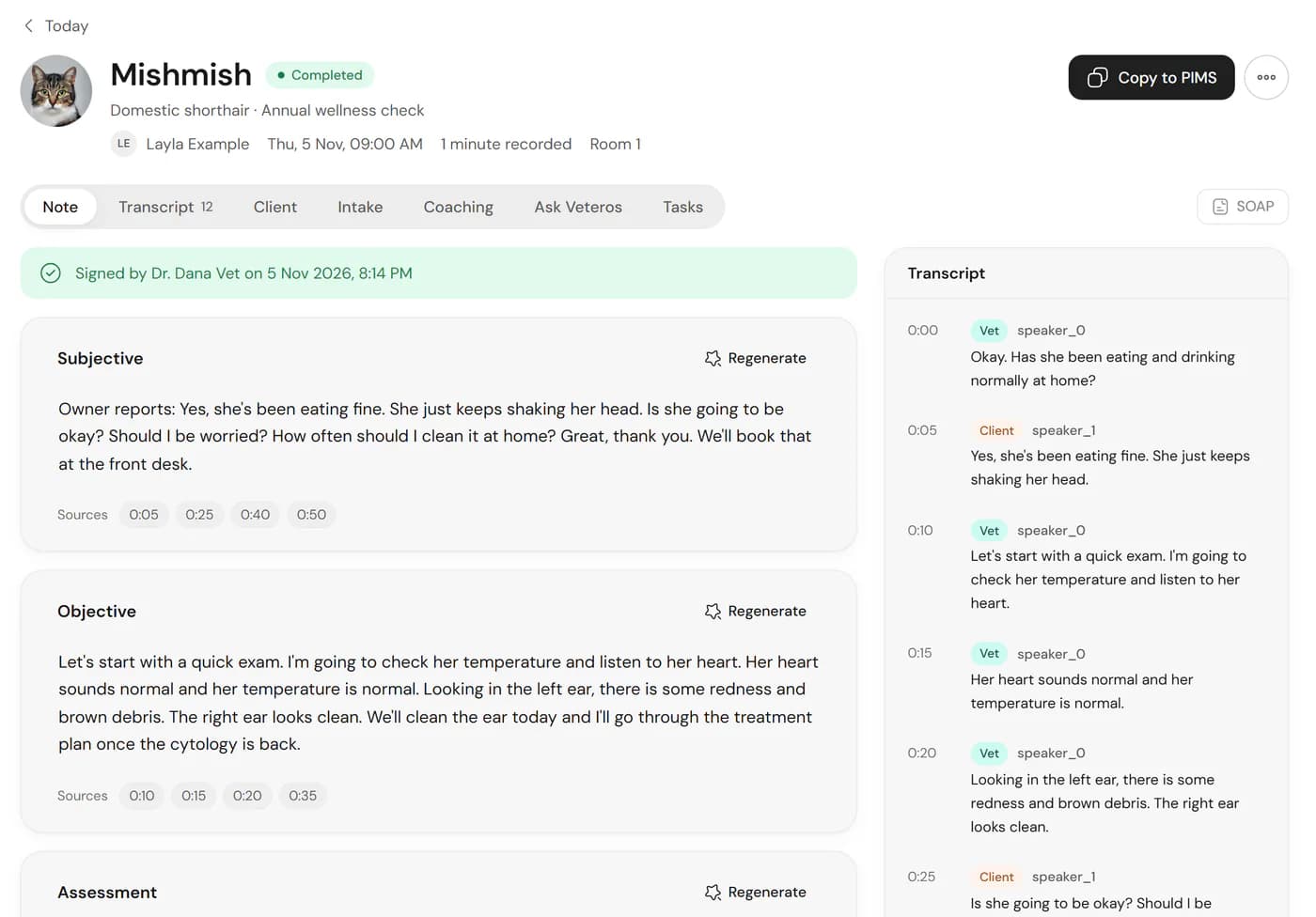
Every signed note can go into any PMS without an integration.
One click copies the signed note, ready to paste into the consultation in your system.
Plain text for systems that prefer to import a file.
A formatted PDF to attach to the patient record.
We have built connectors for four practice systems. Each one is tested only against fictional test data; none has been verified with a live clinic account or a vendor partnership yet. They are not offered yet.
Tested with fictional fixtures only.

Tested with fictional fixtures only.

Tested with fictional fixtures only.

Built from public API descriptions; tested with fictional fixtures only.
Product names are trademarks of their owners and do not imply a partnership.
Patients, owners and appointments come from your PMS, so you don’t create them twice. Your PMS stays the source.
Where a vendor allows it, the signed note is written to the consultation. Only signed notes, never drafts.
Connectors check for changes on a schedule rather than in real time.
Validation and availability. Each connector becomes available only after it has been tested against a real vendor sandbox or a consenting clinic’s account, and we will update this page when that happens. If you use one of these systems, tell us through the contact page.
Using a different PMS? Copy and export work with any system. Tell us which one you use.
No. Your PMS stays the record of truth for appointments, billing and the medical record. Veteros produces the documentation, which you copy or export into it.
Connectors for all four are built and tested against fictional test data only. None has been verified with a live clinic account yet, so they are not offered yet. Today the workflow is copy or export into your PMS.
Copy the signed note with one click, or export it as text or PDF, then paste or attach it in your PMS.
Sign up free, and tell us which practice system you use.